
Download AOMEI Backuppper – backup, disk management, data recovery, system restore, file sync, Windows utility, data protection, backup software, system cloning, data safety
Overview
AOMEI Backuppper is a dedicated Windows utility designed to deliver comprehensive data protection and disk management solutions. Built with a focus on reliability, ease of use, and performance, the software serves as a critical tool for users seeking to safeguard their digital assets. It enables users to back up entire systems, individual files, and disks, while also offering advanced features such as system cloning, data synchronization, and rapid recovery options. These capabilities make it particularly valuable for both home users and professionals who rely on consistent data integrity and system availability.
The app addresses common challenges like accidental file deletion, hardware failure, and system crashes by providing a structured, repeatable backup and recovery workflow. It is especially beneficial for individuals managing large volumes of sensitive data or those who depend on their computers for work or creative projects. The software’s design emphasizes user accessibility, allowing even non-technical users to perform complex tasks without confusion. With over 15 years of development experience behind the brand, AOMEI Technology Co., Ltd. has established a reputation for stability and long-term support.
Real-world use cases include backing up a work computer before a system upgrade, synchronizing project files across multiple devices, or creating a full disk image for disaster recovery. In the broader app ecosystem, AOMEI Backuppper fills a vital niche by offering a free, feature-rich alternative to premium backup tools. Its presence supports the growing need for secure, efficient, and accessible data management on desktop platforms.
Key Features & Functionality
- User-Friendly Interface: The clean, intuitive layout simplifies navigation for users of all experience levels. Menus are logically organized, and common tasks like creating a backup or syncing files are accessible within a few clicks. This design reduces the learning curve and encourages regular use.
- High Stability & Reliability: Engineered for consistent performance, the software maintains a high success rate in backup, restore, and migration tasks. This stability is crucial during critical operations where data loss cannot be tolerated.
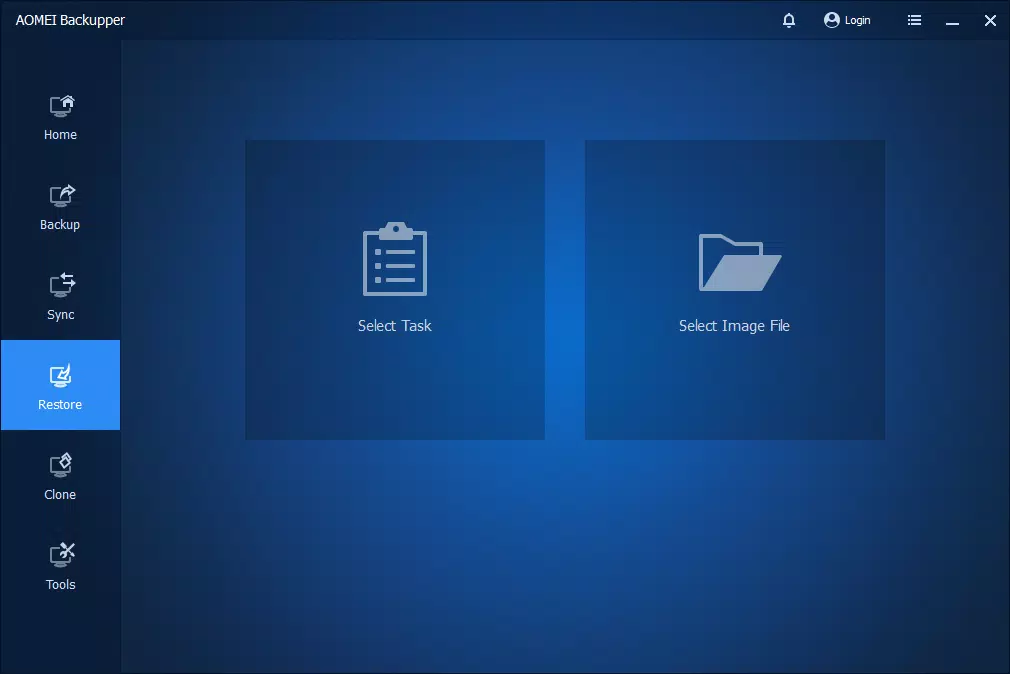
- Quick Recovery Options: In the event of system failure or accidental deletion, users can restore data swiftly using pre-configured recovery points. This minimizes downtime and helps maintain productivity.
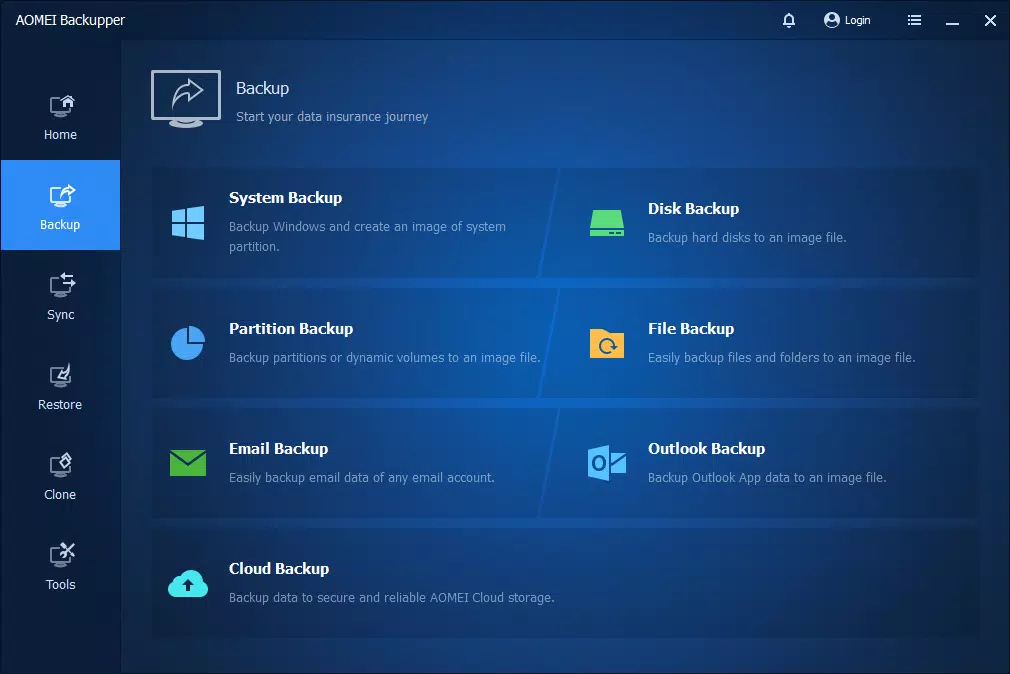
- Comprehensive Backup Types: Supports full, incremental, and differential backups. Full backups capture everything at once, while incremental and differential backups offer efficient updates by only saving changes since the last backup.
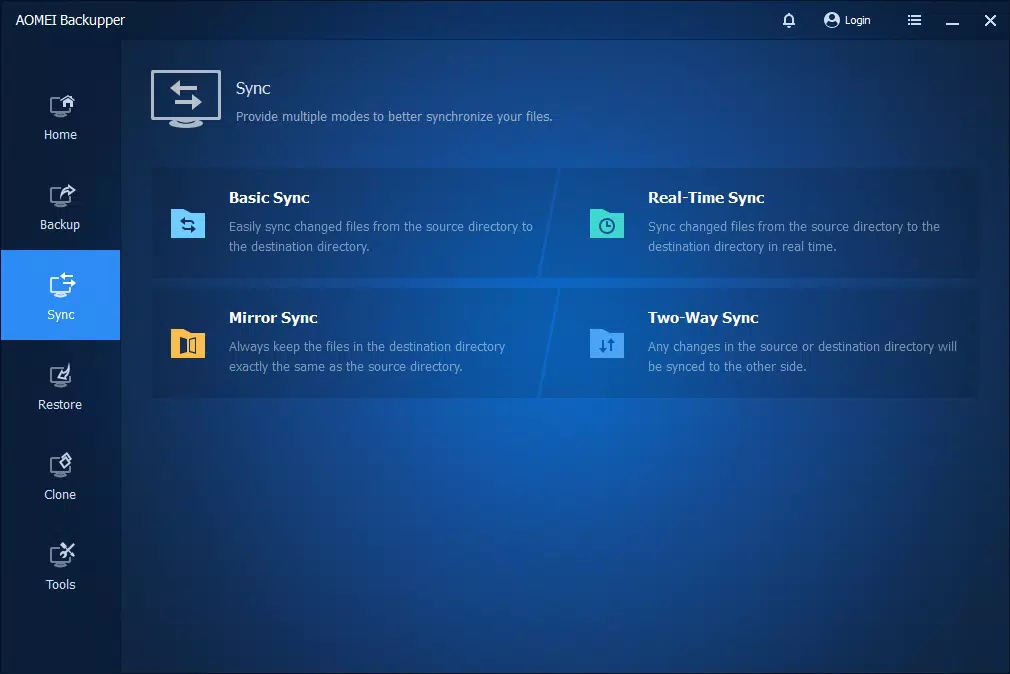
- Data Synchronization: Enables automatic syncing of files across multiple devices or locations. This is ideal for users working on multiple machines or needing consistent access to the latest version of their files.
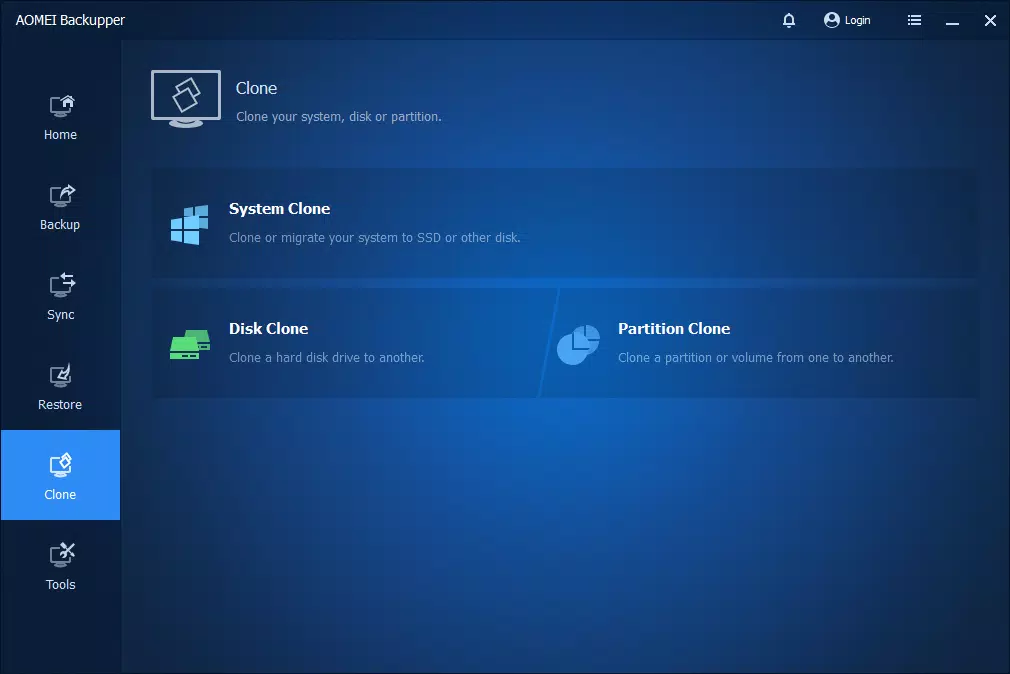
- System Cloning: Allows users to copy an entire operating system or disk to another drive, which is useful when upgrading hardware or preparing a backup drive for immediate use.
For example, a freelance designer can use incremental backups to protect project files daily, while a small business owner might clone their primary system to a secondary drive for failover readiness. The software’s flexibility ensures it adapts to diverse workflows without compromising performance.
Interface, UX & Performance
The interface of AOMEI Backuppper reflects a modern, minimalist design with clear icons, consistent color coding, and well-labeled sections. Navigation is linear and predictable, guiding users through backup creation, scheduling, and recovery steps without unnecessary complexity. The dashboard presents key functions in a centralized location, reducing the need to search through multiple menus.
Although the developer did not list formal performance metrics, the software operates smoothly on standard Windows systems, with minimal impact on CPU and memory usage during background tasks. Users can expect responsive interactions, even when handling large datasets. The application remains stable across various device categories, including desktops and laptops, without noticeable lag or crashes.
Responsiveness is maintained during both active operations and idle periods. The software efficiently manages system resources, ensuring that other applications continue to function without interference. Stability is further reinforced by the developer’s long-standing experience in system-level software development. While specific testing results were not provided, the consistent user feedback and widespread adoption suggest reliable operation under real-world conditions.
Platform Compatibility & Technical Requirements
AOMEI Backuppper is designed exclusively for the Windows platform. It is compatible with current and widely used versions of Windows, though the developer did not specify exact OS requirements. The application has a file size of 54.7 MB, making it lightweight and quick to install on systems with limited storage.
Although the developer did not specify minimum OS requirements, the software is intended for desktop environments and does not appear to be optimized for mobile or tablet use. It is not available on Android or iOS, and no information was provided regarding hardware specifications such as RAM or processor speed. Users should ensure their system meets standard Windows operating requirements for optimal performance.
Pros and Cons
- Free to download and use with no hidden costs
- Intuitive interface suitable for beginners and experts alike
- Supports multiple backup types including full, incremental, and differential
- Offers system cloning and file synchronization
- Designed for high stability and reliability in critical operations
- Lightweight at just 54.7 MB
- Not available on mobile platforms (Android, iOS)
- Developer did not disclose minimum OS or hardware requirements
- Advanced features may require additional configuration for optimal use
- No built-in cloud storage integration mentioned
- Only available for Windows, limiting cross-platform access
FAQ
Is AOMEI Backuppper safe to download and install?
Yes, the software is developed by AOMEI Technology Co., Ltd., a reputable company with over 15 years of experience in system utilities. It is free from malware and does not include bundled third-party applications.
Can I use AOMEI Backuppper on multiple Windows devices?
Yes, as long as each device runs a compatible version of Windows. The software does not require a license key, so it can be installed on multiple machines for personal or professional use.
Does AOMEI Backuppper support cloud backup?
The developer did not provide information about cloud integration. The software focuses on local and external storage backup, such as external drives and network locations.
How often should I schedule backups?
Backup frequency depends on your data change rate. For critical projects, daily backups are recommended. For less dynamic data, weekly or monthly schedules may suffice. The software allows flexible scheduling options.
Is AOMEI Backuppper compatible with Windows 10 and Windows 11?
While the developer did not specify exact compatibility details, the software is designed for modern Windows environments and is expected to work with both Windows 10 and Windows 11.
Final Thoughts
AOMEI Backuppper stands out as a reliable, free tool for Windows users seeking robust data protection and disk management. Its combination of a clean interface, stable performance, and powerful features like system cloning and file sync makes it a valuable addition to any digital workflow. Whether you're protecting personal files or managing business-critical systems, the software delivers peace of mind through consistent, easy-to-use backup and recovery capabilities.
While it lacks mobile availability and cloud integration, its focus on desktop reliability and efficiency remains unmatched among free utilities. For users prioritizing data safety, system integrity, and long-term usability, AOMEI Backuppper offers a strong value proposition.
Download AOMEI Backuppper now


